
/Swept%20Website/All%20Icons/icons/scheduled%20event.svg)


/Swept%20Website/All%20Icons/icons/webinar.svg)
We’re Sorry to
See You Go
Before you cancel, please review the information below. We’re here to help if there’s anything we can do to improve your experience.
Cancellation steps
- 1Submit request
- 2We confirm your shut down date
- 3Keep access until your shut down date
Important: 30-Day Cancellation Policy
Submitting this request does not cancel your account immediately. Swept has a 30-day cancellation policy (outlined on all invoices). If you cancel during an active billing term, your cancellation will take effect 30 days after your current billing period ends.
Don't Cancel Swept Yet!
Let's Make It Work For You
Not getting the value you expected? Tell us what’s not working and we’ll help you get back on track.
What you’ll lose access to after your shut down date
Once your account is shut down, Swept will no longer be available for day-to-day operations, including:
- block Employee time tracking
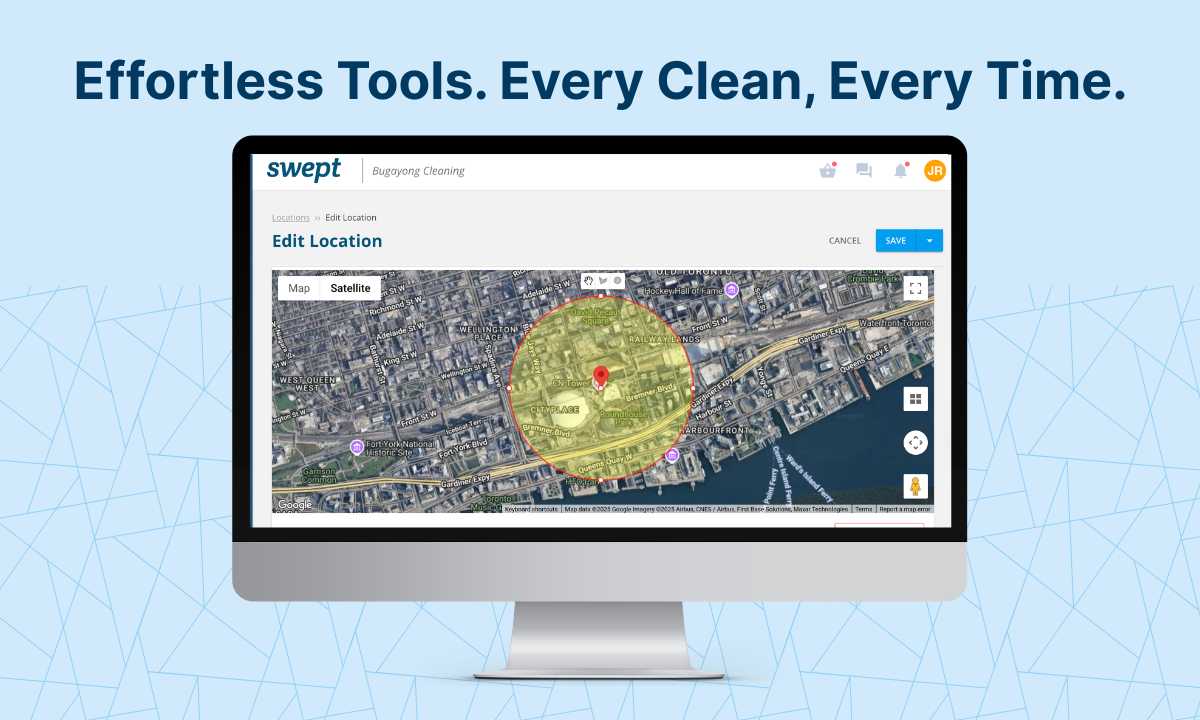
- block Location-based clock-ins (GeoFence)
- block Payroll-ready reports
- block On-site visibility
- block Messages between admin, managers, and cleaners
- block Checklists, inspections, and supply workflows
Not sure if there’s a better plan for your team? Chat with us before you cancel.
Talk to a Specialist arrow_forwardFrequently asked questions
*Note: Loyalty accounts cannot be reactivated after shut down.
Note: Loyalty accounts cannot be reactivated after shut down.
Submitting this form starts the cancellation process.
Fill out the form to request cancellation
Share why you’re leaving so we can improve Swept.