Stop handwriting work orders or hunting for templates. Our generator turns client info into clear, print-ready work orders in seconds—so your crews know exactly what to do and your clients stay confident.
Make Every Job Smooth, Simple, And Stress-Free
Dispatch with confidence – branded work orders that match your service agreements.
Track progress instantly – from pending to complete, stay in control.
Save time on repeats – reuse work orders for recurring clients with a click.
Build Work Orders That Keep Your Crews On Track
Create work orders in a few simple steps.
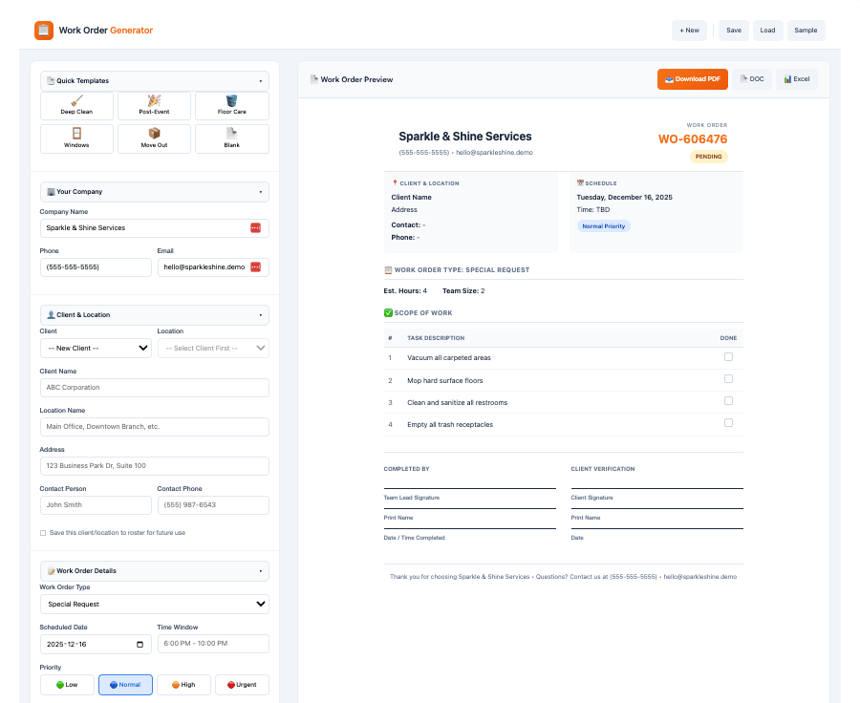
Choose a client and location from your roster—or add new details in seconds.
Pick a template or build a custom task list with priorities so your crew knows exactly what to do.
Preview and finalize the work order, then download as a PDF or print for your team.
📋
Work Order Generator
📄 Work Order Preview
Related resources
Keep building momentum with these companion tools and guides.
Streamline Your Entire Cleaning Operation
Take charge of your crews with Swept’s Mobile Workforce Management. See everyone in real time, communicate across languages, and keep quality consistent—without the stress.
• Dispatch work orders with checklists, photos, and step-by-step instructions.
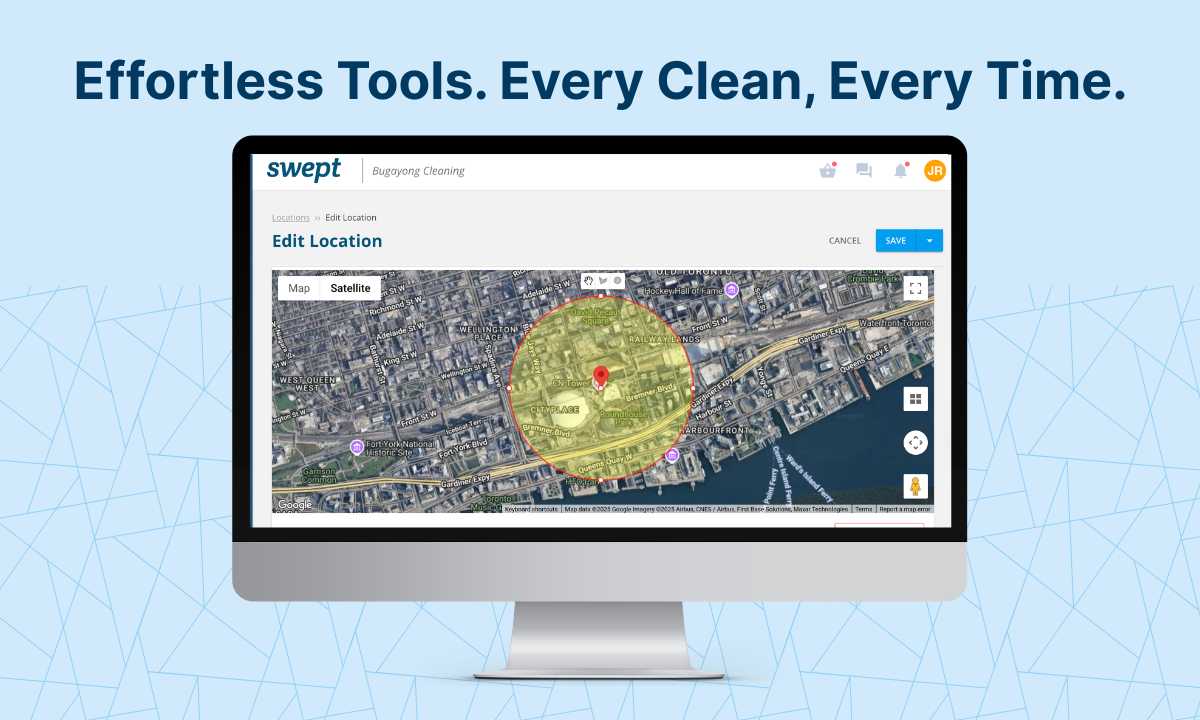
• Track on-site status with live maps, GPS geofencing, and instant alerts for no-shows.
• Monitor productivity, overtime, and coverage with real-time dashboards.
• Communicate across teams with auto-translation, priority alerts, and read receipts.
Quick answers to help your team get the most value from this tool.
Can I save work orders for recurring jobs?
Yes! Click Save to store any work order, then Load it later. Perfect for recurring contracts—just update the date or special instructions, and you’re ready to go.
How do I add a new client to my roster?
Choose New Client from the Client dropdown, fill in the name and location, then check Save this client/location to roster. They’ll appear in your dropdown for all future work orders.
Can crews access these work orders on mobile?
Absolutely. Download the PDF and share it via email, text, or your team app. For real-time dispatch with photo verification and status tracking, check out Swept’s full work order management features.
What's the difference between Client and Location?
A Client is the company you’re cleaning (e.g., “GreenTech Industries”), and a Location is the exact site for that client (e.g., “Main Warehouse” or “Headquarters Building”); you can create separate work orders for each location, even if it’s the same client.
Was this tool helpful?
Tap a thumb to share feedback. We review every response while shipping improvements.
Help us improve this experience
Leave a note about what felt confusing or missing and we'll prioritise it in our next update.
Tell us what worked well
We'll use your feedback to double down on the features and guidance that matter most.

/Swept%20Website/All%20Icons/icons/scheduled%20event.svg)


/Swept%20Website/All%20Icons/icons/webinar.svg)